Funny Binary Quotes and the Jokes Behind Them
Find funny binary quotes, understand the classic 10 kinds of people joke, and encode a short laugh in ASCII with a worked example.
- Binary Humor
- ASCII
On this page
Among funny binary quotes, the classic joke is a match between two groups that add up to the announced total. For example, “There are 10 kinds of people in the world: those who understand binary numerals, and those who don’t.” It’s a pun on base-2: digits 0 and 1. The binary numeral “10” equals two. But it’s not the decoding of the letters that provides the punchline; instead, it’s simply the apparent mismatch.
The attribution of this quote is to Ian Stewart, who writes about such topics as the mathematics behind humor. This particular joke appears in his book Professor Stewart’s Cabinet of Mathematical Curiosities (Profile Books, 2010). There are secondary attributions for the original joke, but its authorship remains unestablished.
Small Talk and Character Tables
Small talk, eight bits at a time.
My sense of humor comes with a character table.
I sent you a joke in binary. Some decoding required. The small talk is byte-sized text, eight bits at a time. The character table maps letters to codes, so that’s where my humor lives. Decoding the last joke means recovering the message I encoded.
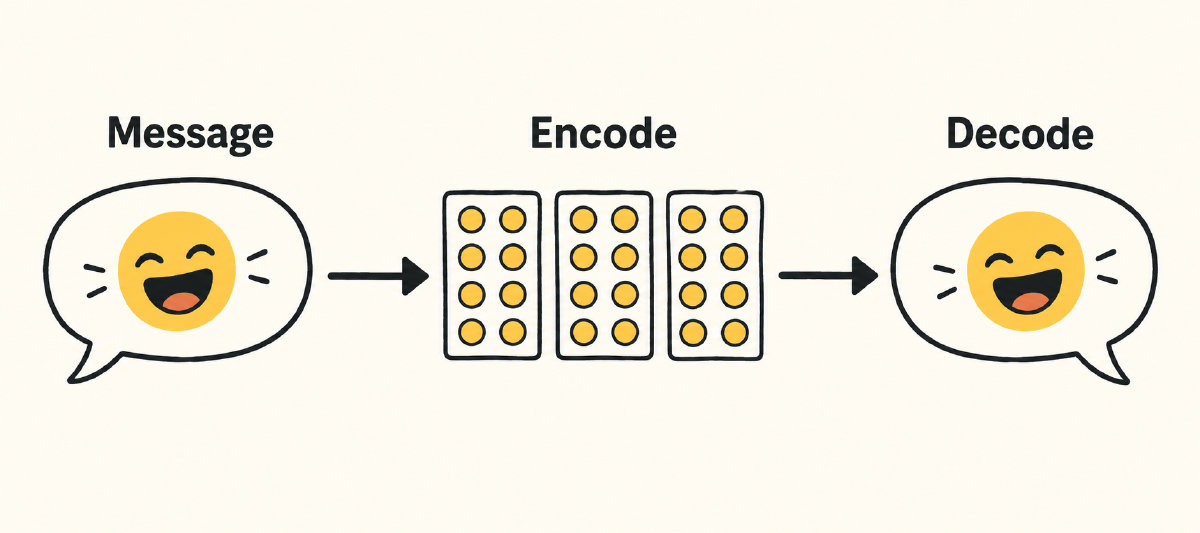
Encoding and Decoding LOL in ASCII
It’s easy to work through how the ASCII encoding works by looking at how one might encode and decode a short laugh. Take the phrase LOL, which means “laugh out loud,” as well as “lots of love,” depending on the context. To encode it in ASCII, we look up each letter and use the standard ASCII chart (which has been documented as RFC 20) to find the ASCII codes for the characters.
For uppercase LOL, the corresponding ASCII values are:
L: 0x4C
O: 0x4F
L: 0x4C
These correspond to the binary representations:
L: 01001100
O: 01001111
L: 01001100
Now, using the same methodology, we can convert LOL back into ASCII text.
RFC 20 defines ASCII in terms of seven-bit encodings, embedded within an eight-bit byte. That leaves the top bit (bit number 7, since it’s counted from zero) unused. So, the actual ASCII character value resides in bits b6–b0. Even in an eight-bit byte, ASCII still uses seven bits; the high-order bit stays zero.
In any case, each ASCII character occupies a position in the ASCII table defined by the column number and the row number. Using the same zero-based bit numbering, bits b6–b4 define the column and bits b3–b0 define the row. So, L corresponds to column number 4, row number 12. As noted earlier, the ASCII value for L is 0x4C, which is 76 in decimal. Using the ASCII conversion tables, the L maps to 01001100, a seven-bit ASCII value padded to eight bits.
The same logic applies to O: column 4, row 15. That translates to 01001111.
So, to encode the three-letter word LOL, it becomes 01001100 01001111 01001100.
Checking Binary Captions With Online Tools
You could encode and decode these strings manually, but I prefer using online tools that do it for me. I wrote the captions for this article, so I know what they should look like when decoded. I just need to make sure that the encoder doesn’t change anything that I’ve specified—capitalization, punctuation, etc.—and that my decoder can read them back to me. In practice, I used an online site’s translator, Text to Binary, and checked both directions. I kept the captions ASCII-only and selected eight-bit output with spaces between groups; the site offers seven-bit output and other separators, too. Both directions run in the browser. First, I encoded my captions, then copied the results and pasted them into the Binary → Text function of the same website. Then, I compared the output to my original captions to ensure that there was no discrepancy.
Sources
Try it yourself
Free, in your browser. Nothing you type is uploaded.