What Is the Character Code for Degree Symbol °?
The character code for degree symbol ° is U+00B0. See its UTF-8 binary bytes, HTML references and the documented Word shortcut.
- Unicode
- UTF-8
- ASCII
On this page
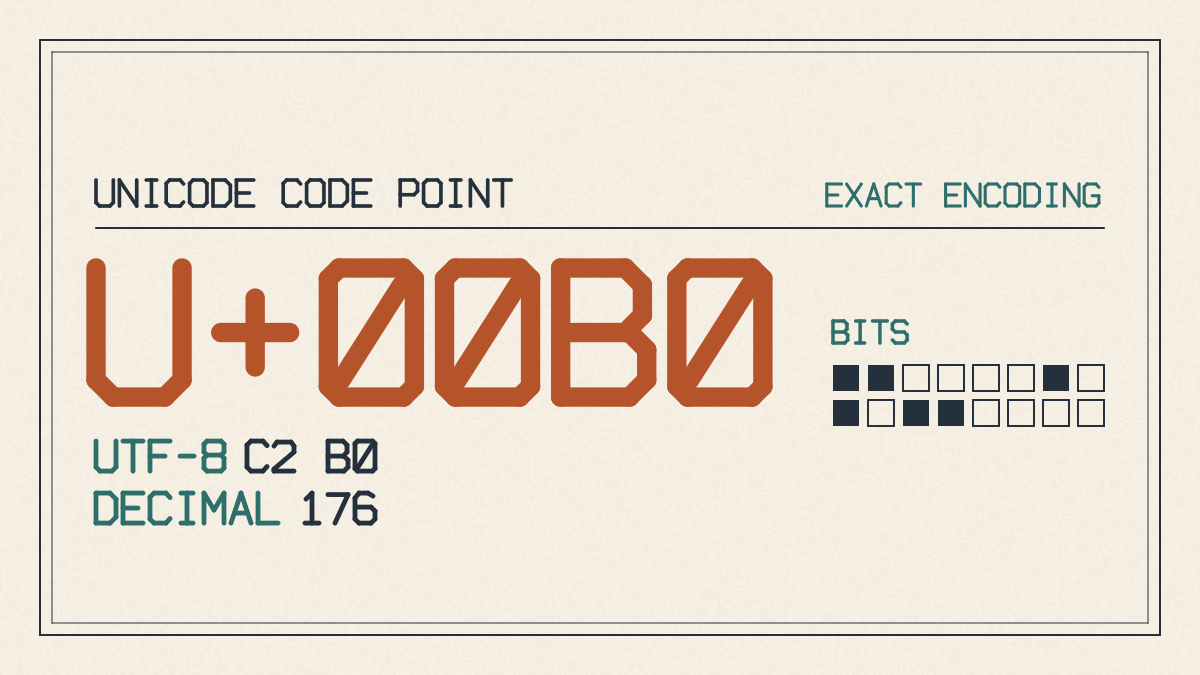
The degree symbol is a Unicode character that represents 1° (a single degree) as well as other uses. Its identity is defined as follows: it’s the character U+00B0, which stands for “DEGREE SIGN,” and its decimal value is 176. The UTF-8 representation of this character is two bytes, C2 B0.
Why is the degree sign not in basic ASCII?
There are no characters outside of ASCII in the basic 7-bit set; the basic ASCII encoding contains only 128 characters. The degree sign is outside of that and was added later as part of the ISO-8859-1 (Latin-1 Supplement) standard.
In addition, there’s also a legacy Windows-1252 (Windows Latin-1) encoding, which includes additional characters. Both the Latin-1 Supplement (ISO-8859-1) and Windows-1252 encode the degree sign using one byte, B0.
In order to represent the degree sign using UTF-8, you’ll have to encode it as two bytes, or C2 B0, since UTF-8 is designed to allow variable-length encoding of characters. In binary, that’s 11000010 10110000; 10110000 alone is B0 in the legacy encodings, not complete UTF-8.
Degree sign character references in HTML
There are three different ways to reference the same degree sign character within HTML, either through the named character entity, the decimal numeric entity, or the hexadecimal numeric entity:
Character reference: °
Decimal numeric entity: °
Hexadecimal numeric entity: °
Insert the degree sign in Microsoft Word
Microsoft Word has a documented way to insert this character directly from the keyboard using the shortcut Alt + 0176, assuming that you have a numeric keypad attached to your keyboard. If you don’t, then there’s an alternative method involving navigating to Insert > Symbol > More Symbols. From there, choose Latin-1 Supplement, select the degree sign and click Insert.
However, there are several other symbols that look similar to the degree symbol, such as the masculine ordinal indicator, which may appear identical to the degree symbol on screen. Although they might look like they’re interchangeable characters, each has its own purpose and meaning. Here, º is U+00BA MASCULINE ORDINAL INDICATOR; ° is U+00B0 DEGREE SIGN.
Sources
Try it yourself
Free, in your browser. Nothing you type is uploaded.
More in ASCII & Text Encoding
- How to Find the LSB Bit in an ASCII ByteFind the LSB bit in an ASCII byte, see how changing it turns A into @, and distinguish bit significance from numbering and byte order.
- How to Encode and Check a Binary Code TattooEncode a binary code tattoo message, preserve its exact text and byte order, and check the final stencil against your saved binary.
- Who Invented Binary Code? Leibniz and the Road to ASCIILearn who invented binary code, what Leibniz contributed to binary arithmetic, and why ASCII text encoding has a separate history.